A 360° world generator
Make a world, walk into it.
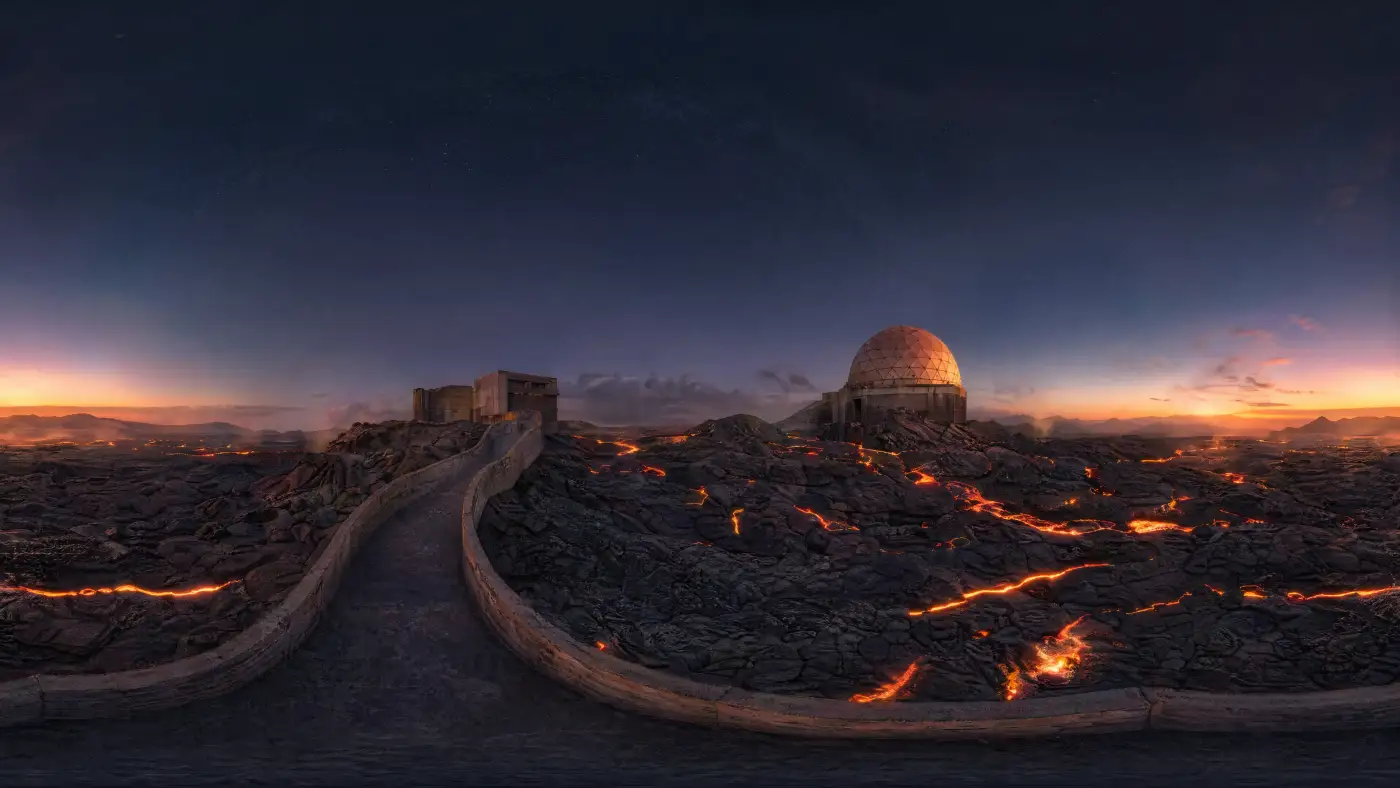
— Drag to look around · a world made in 360World
Type one line. Get a full 360° panorama to explore. Drag to look around, or tilt your phone and step inside. Your worlds stay on your device.
A 360° world generator
— Drag to look around · a world made in 360World
Type one line. Get a full 360° panorama to explore. Drag to look around, or tilt your phone and step inside. Your worlds stay on your device.
No sign-up, no subscription. You plug in your own account and only pay for what you make — usually a few cents per world.
One short line. Real or imaginary, indoor or outdoor — anything you can picture as a place.
Your words travel to an AI image model and a full panorama comes back, usually in one to two minutes.
The result opens in a 360° viewer. Drag to look around, pinch to zoom, go fullscreen — or hold your phone up and tilt.
"A neon ramen alley in Tokyo, midnight rain, paper lanterns"
"Inside a cathedral made entirely of stained glass at sunrise"
"A frozen Saturn observatory looking back at the rings"
"A library at the bottom of the sea, schools of fish drifting between shelves"
Pick the provider you already use — or the one you want to try. Both run the same
gpt-image-2 model; the provider bills you directly,
a few cents per world, and we never see your key: it stays in your browser.